1
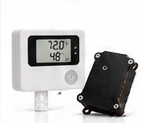
Choose Your Hardware
Select a Cellular Bridge for your HOBO® MX1101 logger or a standalone Cellular T/RH Sensor.
›
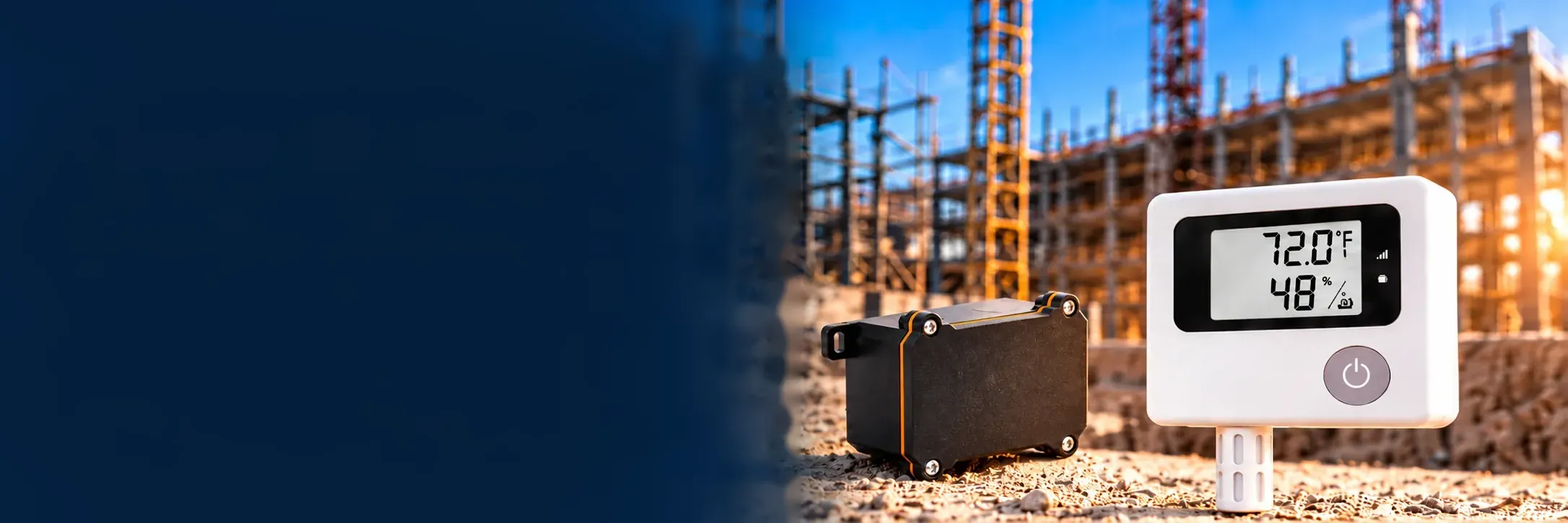
A simple process for remote monitoring. Choose your hardware, activate your device when it arrives, and receive your readings by email — without jobsite Wi-Fi or power.
Get your devices in the field and start receiving data in just a few simple steps.
Select a Cellular Bridge for your HOBO® MX1101 logger or a standalone Cellular T/RH Sensor.
Enter a location name and address to organize your monitoring devices.

Assign one or more devices to your location and give each device a name.
Scan your device QR code to activate monitoring service when you’re ready.
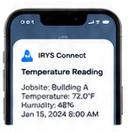
Get readings by email and receive alerts based on your active service plan.
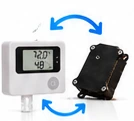
Cancel renewal when the job is done; monitoring runs to the end of the paid period. Move the hardware to your next location and reactivate monitoring when you need it.
Keep all your monitoring devices organized under the locations where they are used.
Your account and devices.
Group devices at each monitoring location.
Name, assign, and activate your devices.
Simple, reliable, and flexible monitoring for real-world conditions.

Works over a cellular network so you can monitor locations without on-site Wi-Fi.

Long-lasting, low-maintenance devices built for the field.

When the work is done, move your devices to a new location and reactivate monitoring.
Choose your equipment, set up your account, and get your devices in the field. It’s a simple purchase-and-activate process.